FC Wiring & Betaflight
Connect the board to a Betaflight UART & setup MSP/OSD.
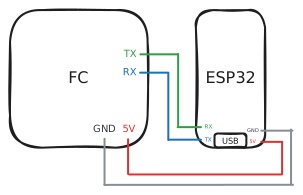
Connect the board to a spare UART on your flight controller.
Connections
| Board | Flight controller |
|---|---|
| TX | UART RX |
| RX | UART TX |
| GND | GND |
| 5V | 5V |
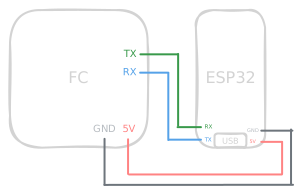
TX goes to RX and RX goes to TX - the lines cross over.
Betaflight
Requires Betaflight 25.12 or newer.
Ports tab
In the Ports tab, enable MSP on the UART you wired to. Save and reboot. The bridge uses MSP to read FC state and to draw the camera status onto the OSD.
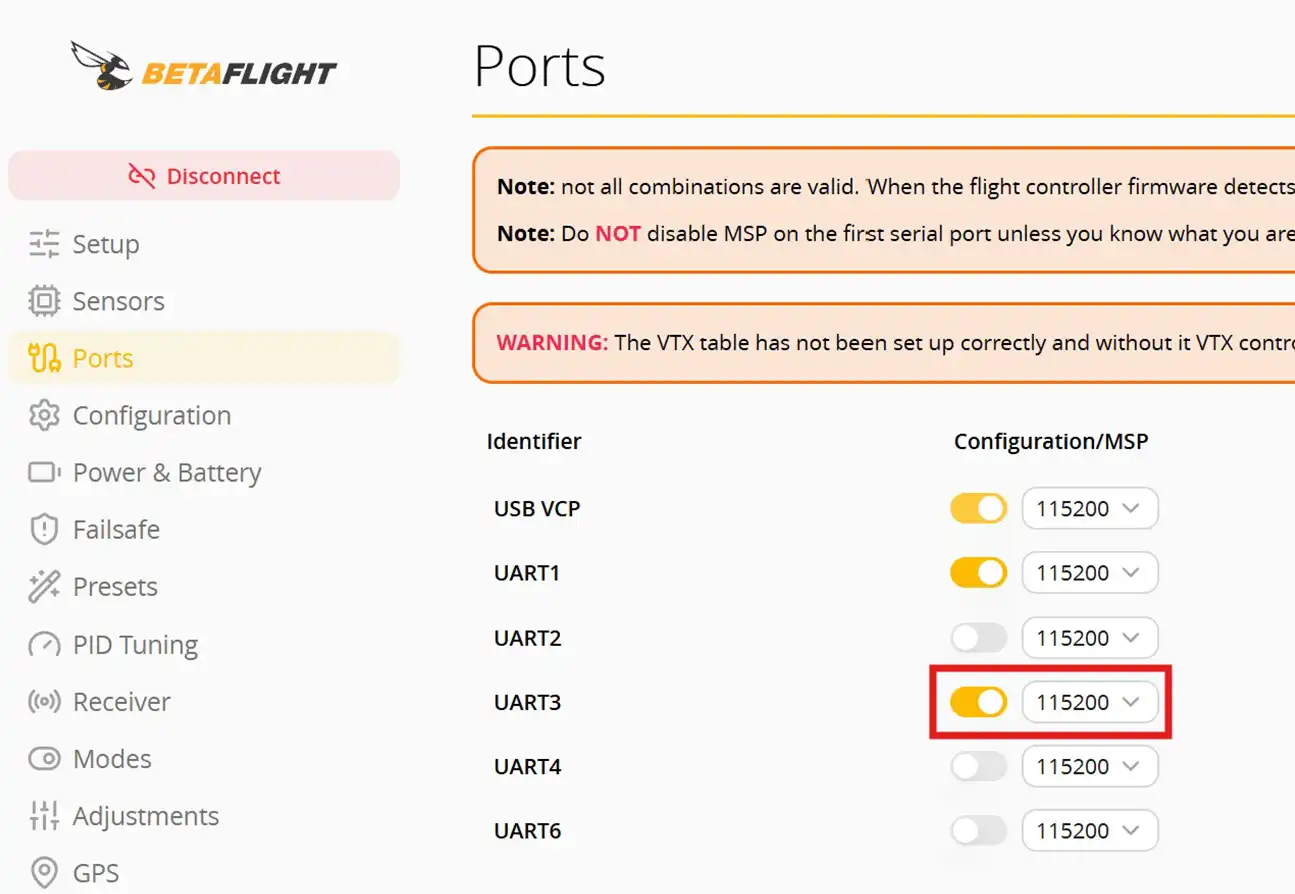
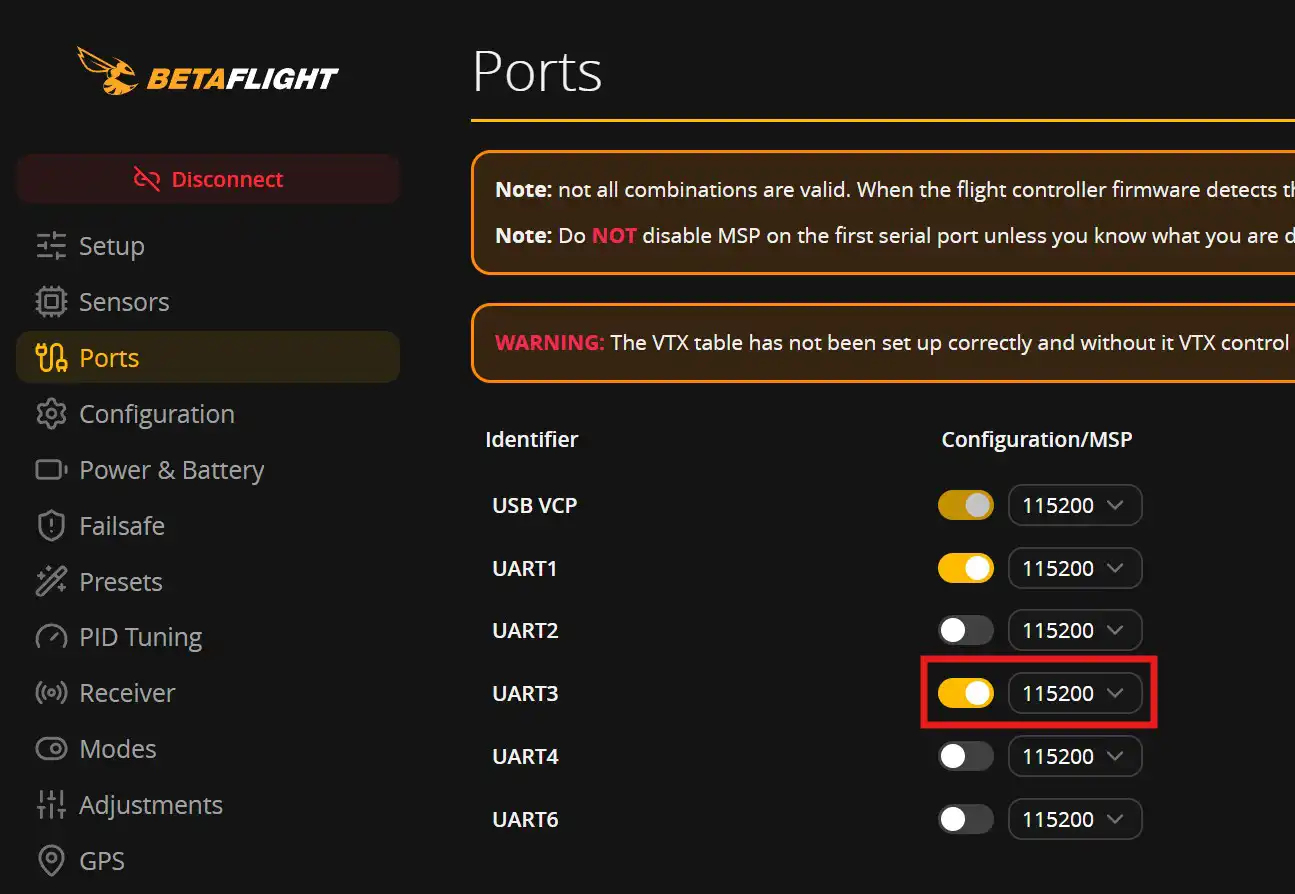
In the example screenshot above, I have ShutterBridge wired to UART3
OSD tab
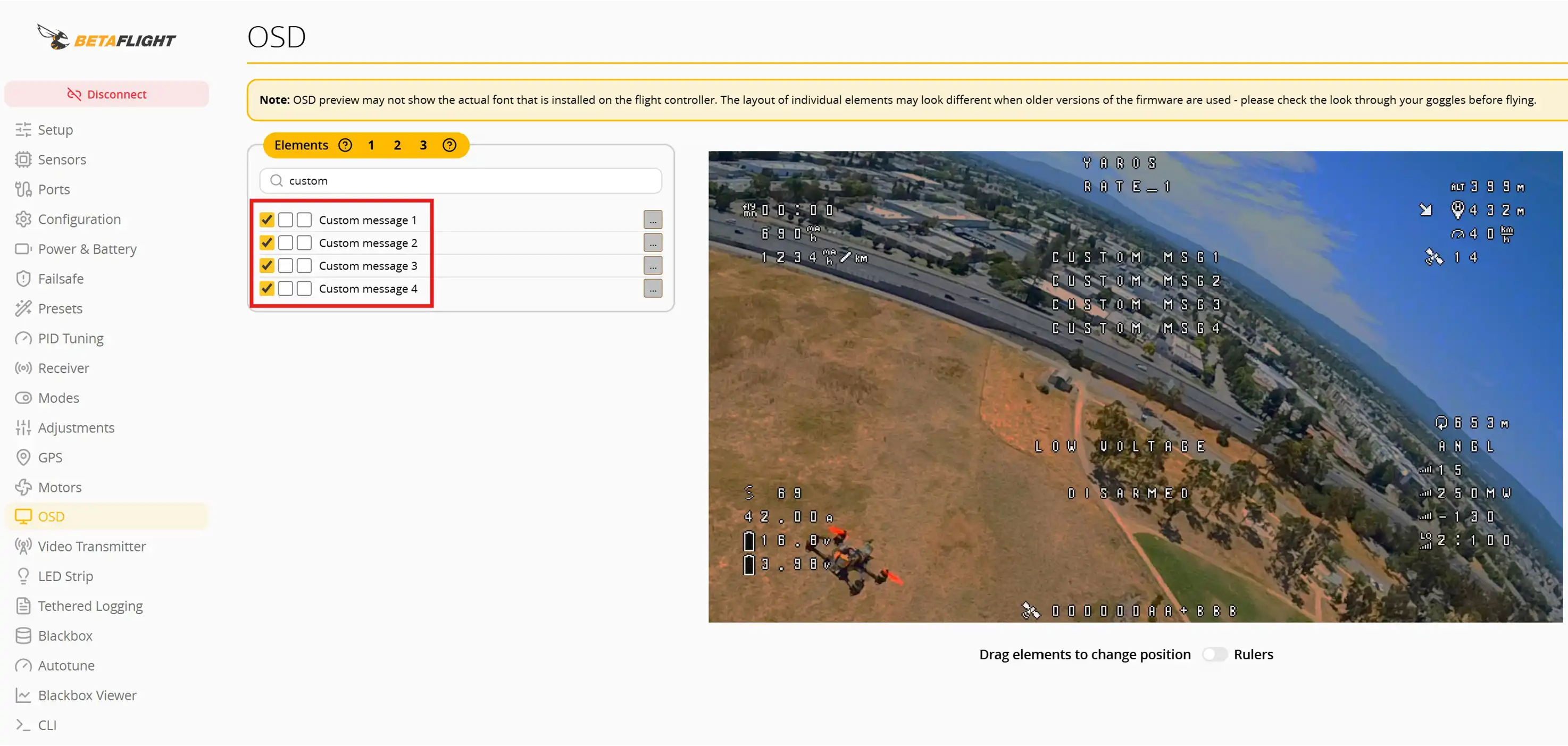
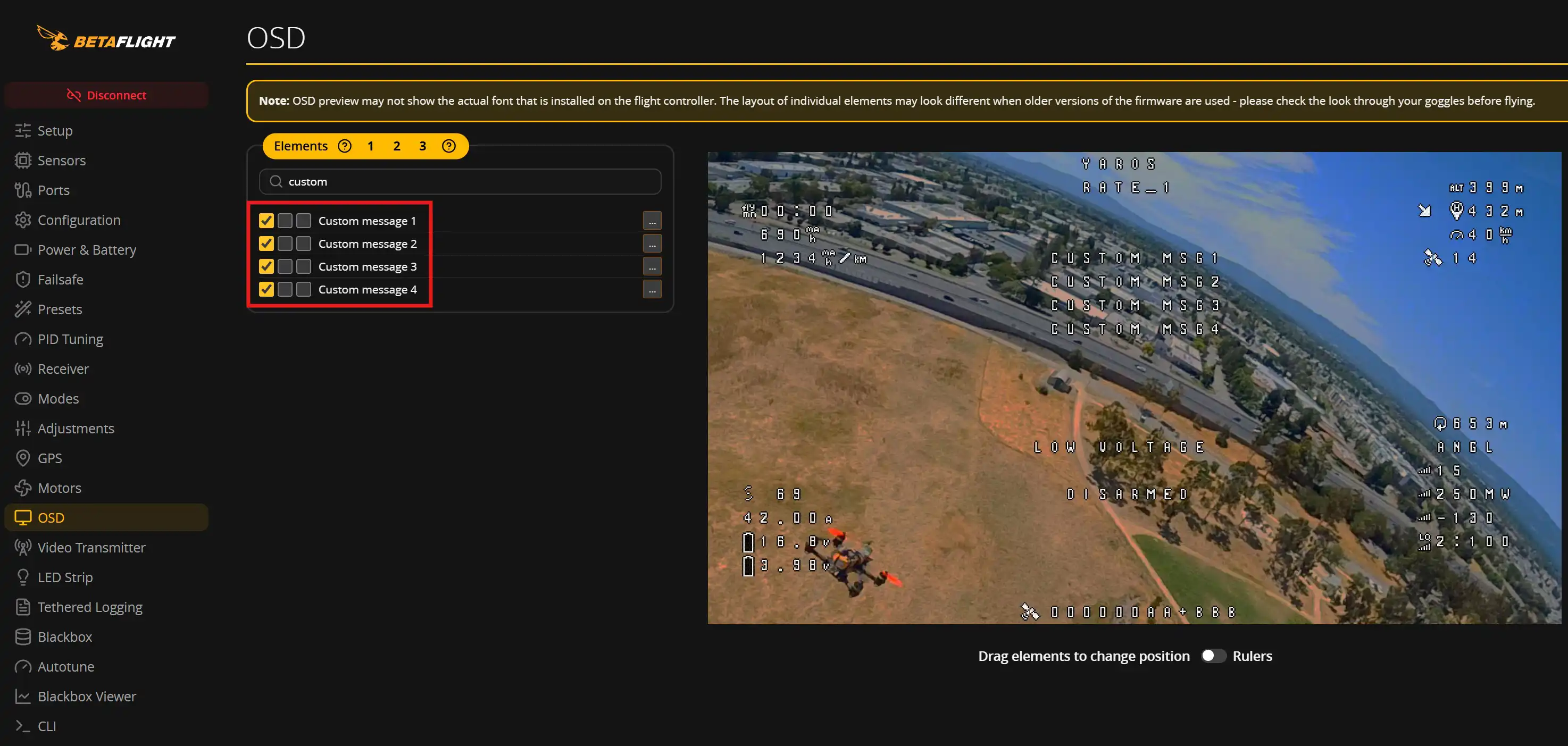
In the OSD tab, enable and place the Custom Message elements, these will be used to show the telemetry from the camera (like the recording status).